


Ιστορία του χωριού Αντιά
Τα Ἀντιά είναι ένα μικρό χωριό που αναπτύσσεται σε μια κοιλάδα ανάμεσα στα βουνά Μηλιά και Αηδόνι στη Νότιο Ανατολική πλευρά του όρους Όχι της Εύβοιας. Έχει ορατότητα προς την θάλασσα και απέχει 37χιλ.από την Κάρυστο.
Σφυριχτή γλώσσα
Τα Αντιά είναι το μόνο μέρος στην Ελλάδα όπου γεννήθηκε ένας τόσο ξεχωριστός τρόπος επικοινωνίας. Λόγω της ορεινής τοποθεσίας του χωριού και της καθημερινής ασχολίας των κατοίκων στην ευρύτερη ύπαιθρο, οι Αντιώτες επινόησαν έναν έξυπνο τρόπο να επικοινωνούν μεταξύ τους εξ αποστάσεως, και να μεταφέρουν μηνύματα σε μεγάλες αποστάσεις.
Βίντεο
Στην κατηγορία βίντεο της ιστοσελίδας μπορείτε να δείτε βίντεο που αφορούν τη σφυριχτή γλώσσα. Εγγραφείτε και στο κανάλι μας στο youtube για να ενημερώνεστε για νέα βίντεο που αφορούν δραστηριότητες εκμάθησης, προώθησης, διάδοσης και διάσωσης της σφυριχτής γλώσσας
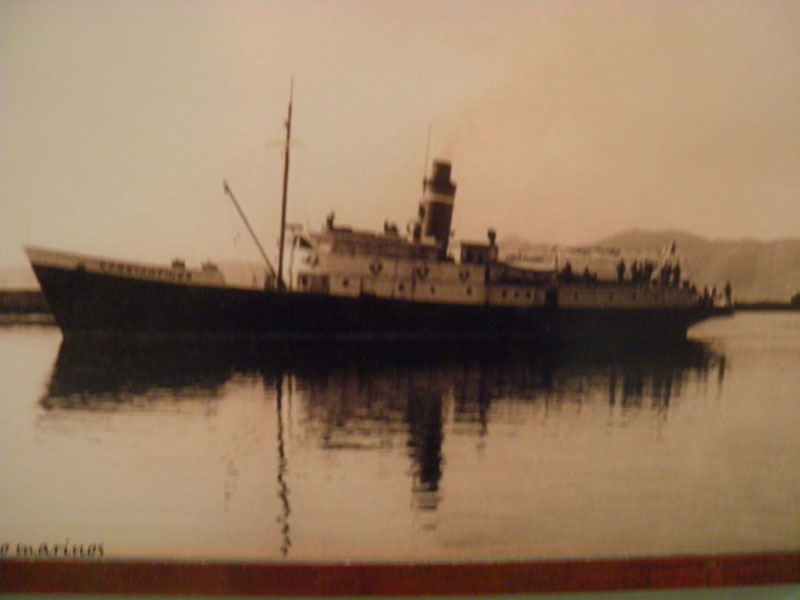
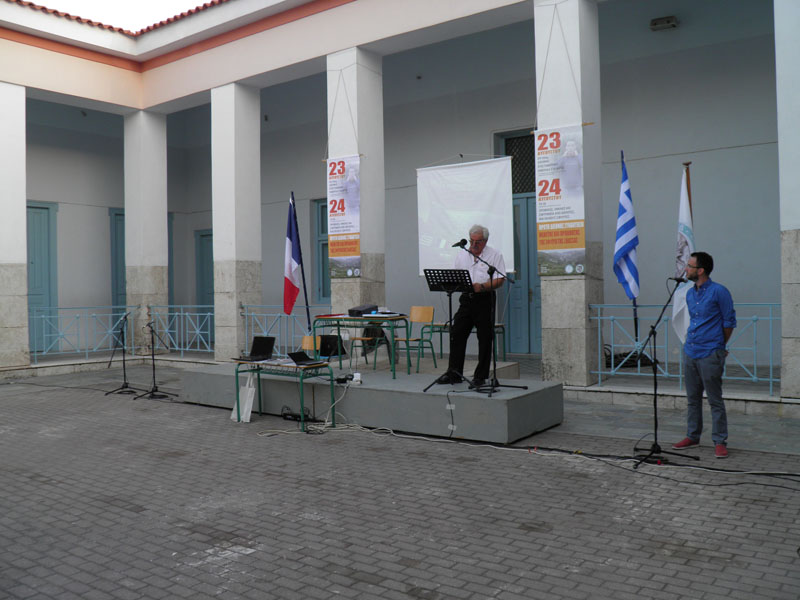


Sample gallery images
10.jpg
016.jpg
http://sfyria.com/images/Diethnis_sinantisi_Kar_2014/016.jpg
15.jpg
05.jpg
10.jpg
04.jpg
08.jpg


Joomla!
Getting Help
 There are lots of places you can get help with Joomla!. In many places in your site administrator you will see the help icon. Click on this for more information about the options and functions of items on your screen. Other places to get help are:
Getting Started
It's easy to get started creating your website. Knowing some of the basics will help.
What is a Content Management System?
A content management system is software that allows you to create and manage webpages easily by separating the creation of your content from the mechanics required to present it on the web.
In this site, the content is stored in a database. The look and feel are created by a template. The Joomla! software brings together the template and the content to create web pages.
Site and Administrator
Your site actually has two separate sites. The site (also called the front end) is what visitors to your site will see. The administrator (also called the back end) is only used by people managing your site. You can access the administrator by clicking the "Site Administrator" link on the "This Site" menu or by adding /administrator to the end of you domain name.
Log in to the administrator using the username and password created during the installation of Joomla!.
Logging in
To login to the front end of your site use the login form or the login menu link on the "This Site" menu. Use the user name an password that were created as part of the installation process. Once logged in you will be able to create and edit articles.
In managing your site, you will be able to create content that only logged in users are able to see.
Creating an article
Once you are logged in, a new menu will be visible. To create a new article, click on the "submit article" link on that menu.
The new article interface gives you a lot of options, but all you need to do is add a title an put something in the content area. To make it easy to find, set the state to published an put it in the Joomla! category.
Learn more
There is much more to learn about how to use Joomla! to create the web site you envision. You can learn much more at the Joomla! documentation site and on the Joomla! forums.
Joomla!
Congratulations! You have a Joomla! site! Joomla! makes it easy to build a website just the way you want it and keep it simple to update and maintain.
Joomla! is a flexible and powerful platform, whether you are building a small site for yourself or a huge site with hundreds of thousands of visitors. Joomla is open source, which means you can make it work just the way you want it to.
Language Switcher
The language switcher module allows you to take advantage of the language tags that are available when content, modules and menu links are created.
This module displays a list of available Content Languages for switching between them.
When switching languages, it redirects to the Home page defined for the chosen language. Thereafter, the navigation will be the one defined for that language.
The language filter plugin must be enabled for this module to work properly.
To view an example of the language switch moduler module, go to the site administrator and enable the language filter plugin and the language switcher module labellled "language switcher" and visit the fruit shop or park sample sites. Then follow the instructions in this tutorial.
Υποκατηγορίες
Extensions
The Joomla! content management system lets you create webpages of various types using extensions. There are 5 basic types of extensions: components, modules, templates, languages, and plugins. Your website includes the extensions you need to create a basic website in English, but thousands of additional extensions of all types are available. The Joomla! Extensions Directory is the largest directory of Joomla! extensions.
Compatibility

JSN Mico is natively compatible with both Joomla! 2.5 and Joomla! 3.x.
The installation package is compatible with both Joomla CMS.
 JSN PowerAdmin makes your Joomla administration process easy and enjoyable. It allows you to....
 The image gallery you see on this website is the Free Edition of another cool product JSN ImageShow....
 JSN UniForm will bring you the new indulgence since you find out it is the easiest-to-use form...